
Crypsift Free
Core WooCommerce crypto checkout with guided wallet setup and the default Crypsift payment flow.
Download FreeCrypsift Pro
Unlimited wallets, advanced success-page customization, licensed updates, and premium merchant workflow tools.
See PricingInstall Crypsift Free
Download the free plugin, upload it to WordPress, and activate it from the Plugins screen before starting your wallet setup.
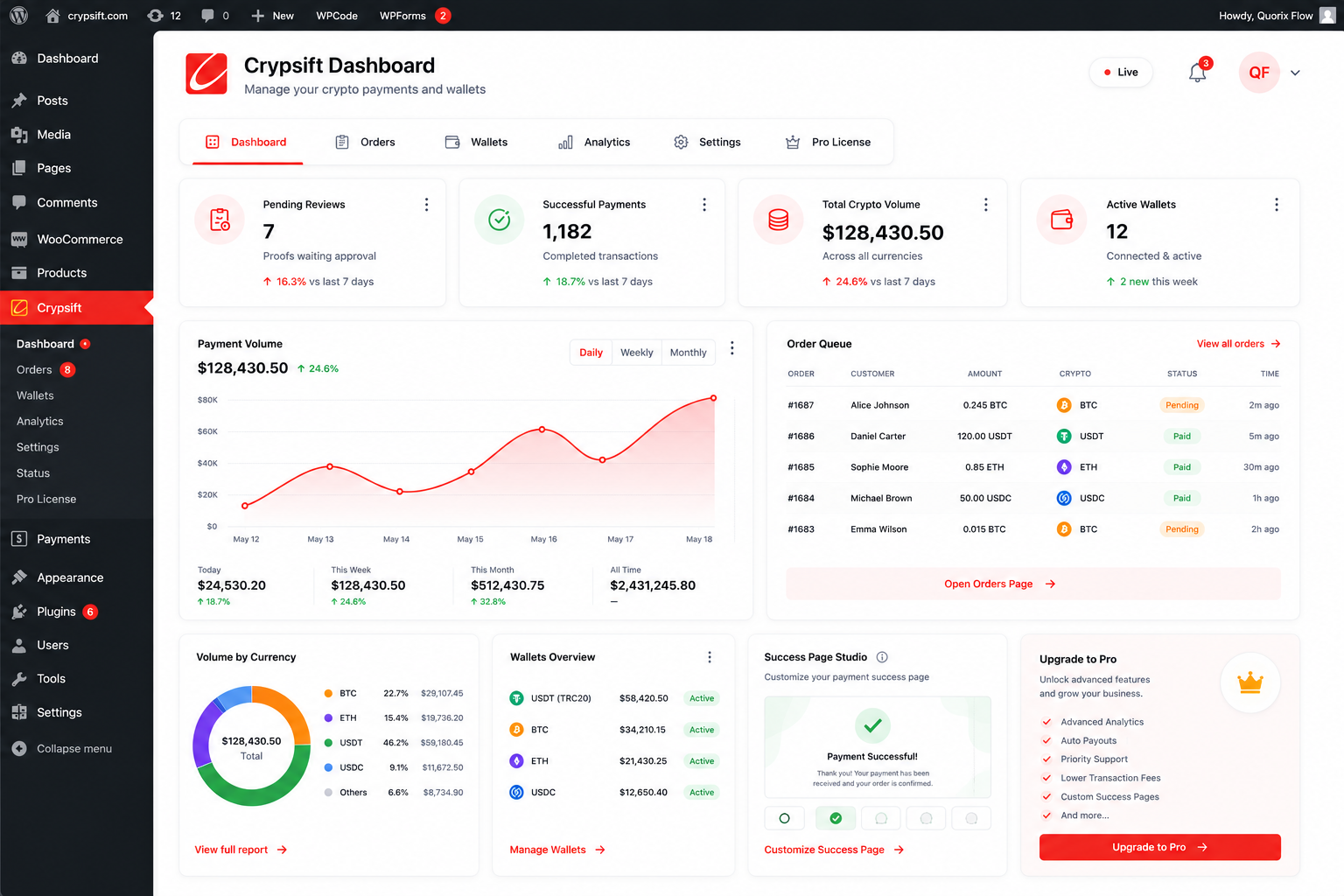
Crypsift Free
Open mediaAdd your wallets
Open the Wallets page, add the coins you want to accept, connect the correct receiving addresses, and arrange them in the order customers should see at checkout.
 Open media
Test the checkout flow
Place a test order, confirm the payment page displays the right wallet and amount, and make sure payment proof submission works from the customer side.
Upgrade to Crypsift Pro
Choose the plan that matches the number of websites you want to cover, complete checkout, and download Crypsift Pro from your account area.
Activate your Pro license
Install Crypsift Pro on the target site, open the Pro License screen, paste the license key from your account, and activate the website against Crypsift Server.
Keep everything updated
Free users can update through WordPress.org or Crypsift Hub, while Pro users receive secure licensed updates through Crypsift Server whenever a new package is published.